
Last updated: June 2026. Fees and provider details were checked against official provider pages and independent UK sources in June 2026 and may change.
To accept card payments in the UK, you need three things: an FCA-regulated payment provider, a way to take the payment (a card reader, your own smartphone via Tap to Pay, or a payment link), and a bank account for your takings. The fastest route for a small business in 2026 is an app-based card reader from providers like Square, SumUp or PayPal POS — you can sign up online, buy a reader from £19, and take your first payment the same week, paying around 1.5–1.75% per transaction with no monthly fees.
That’s the short answer. The rest of this guide walks through each option, what it really costs, the UK rules you must follow, and how quickly the money reaches your account.
If you’re wondering whether it’s worth the effort: UK Finance reports that cash fell below 10% of all payments in 2024 for the first time, while cards now account for around two-thirds of everything paid for in the country. For most businesses, the question is no longer whether to accept cards — it’s which way to do it.
The 3 Ways to Accept Card Payments in the UK
Every option on the market falls into one of three routes. Pick the one that matches your size and how you sell:
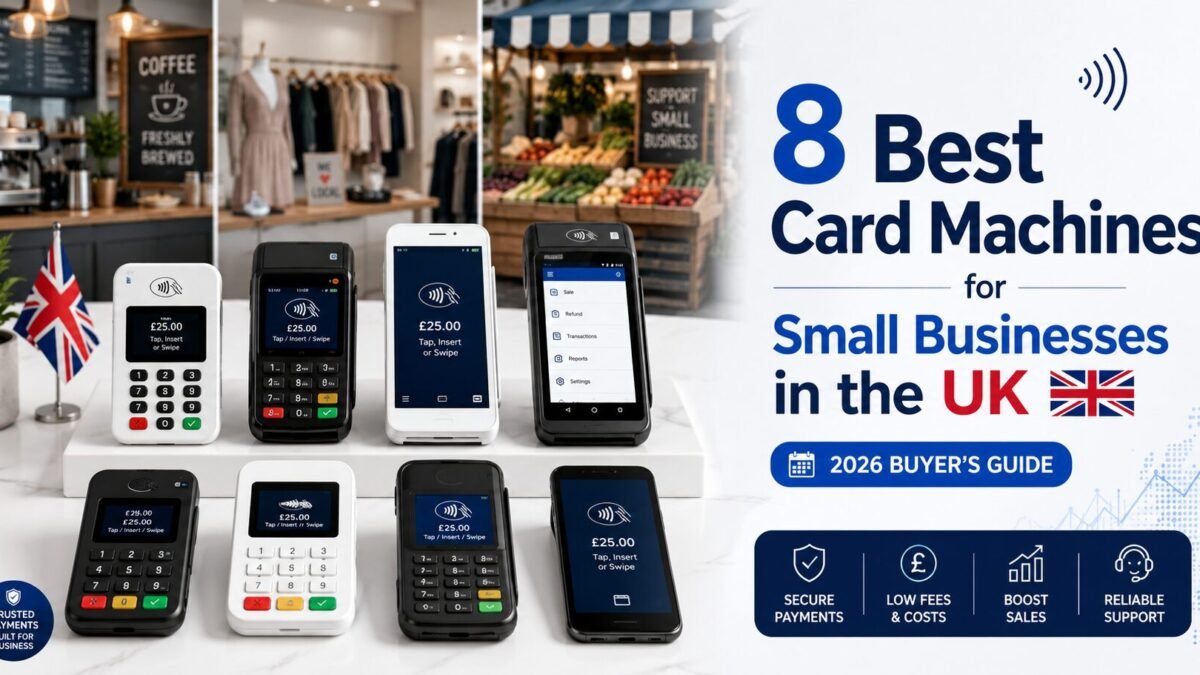
1. App-based card reader (best for most small businesses). You buy a small reader outright (£19–£79), connect it to a free app on your phone, and pay a flat fee per sale — no contract, no monthly cost. Providers include Square, SumUp, PayPal POS (formerly Zettle), Tide and myPOS. We compare all of them in our guide to the CARD MACHINES best card machines for small businesses in the UK.
2. Tap to Pay on your phone (best for getting started today). Also called SoftPOS, this turns your own smartphone into the card machine — no hardware at all. Your customer taps their card or phone directly on your phone. In the UK, SumUp, Square, PayPal POS and Tide all offer it. You need an iPhone XS or newer (recent iOS), or an NFC-enabled Android phone. It’s the cheapest possible start: download an app, verify your business, and take a payment within the hour.
3. Traditional merchant account with a rental terminal (best for high volume). Providers like Dojo, takepayments and Paymentsave rent you a professional terminal and quote a custom rate based on your turnover — often 1.2–1.4% or lower, in exchange for a monthly cost. This route wins once you take roughly £3,000+ a month in card payments.
| Card reader app | Tap to Pay (phone) | Merchant account | |
| Upfront cost | £19–£79 reader | £0 (your phone) | £0 (rental) |
| Typical fee | 1.5%–1.75% per sale | 1.5%–1.99% per sale | ~1.2–1.4% (quoted) |
| Monthly fee | None | None | From ~£15/month |
| Setup time | 2–5 days (delivery) | Same day | 1–2 weeks |
| Best for | Most small businesses | Brand-new / very mobile sellers | £3,000+/month card sales |
How to Start Accepting Card Payments: 7 Steps
- Choose your route. Use the table above. If in doubt, start with Tap to Pay or a cheap reader — you can always upgrade later, because none of the app-based providers lock you into a contract.
- Pick a provider and compare fees. Don’t just look at the percentage — check payout speed, where the money lands, and surcharges for non-UK cards. Our CARD MACHINES comparison of the 8 best card machines breaks down every fee side by side.
- Sign up and verify your business (KYC). Every FCA-regulated provider must verify who you are. Have ready: your personal ID, your business details (sole trader name or company number), and your bank details. Approval usually takes minutes to a couple of days.
- Set up your hardware or app. Pair the reader with the provider’s free app via Bluetooth, or enable Tap to Pay in the app if you’re using your phone. Add your product names and prices to the app — it makes every sale faster and your reports cleaner.
- Connect your bank account. This is where your takings will be settled. Note: Tide settles only into a Tide business account, and myPOS pays into its own myPOS account first.
- Take a test payment. Run a small transaction with your own card, then refund it. You’ll see exactly what the customer experiences and how the refund flow works before a real customer is standing in front of you.
- Display that you accept cards. Put the contactless symbol and provider sticker where customers can see it — at the till, on your stall, in your van. Businesses consistently report higher average spend once customers know they can pay by card.
What Does It Cost to Accept Card Payments?
There are only four costs that matter — and two sneaky ones people miss:
- Hardware: £0 (Tap to Pay) to £79 one-off for a standalone reader. Rental terminals cost from around £15/month instead.
- Transaction fee: the percentage taken from each sale — typically 1.5%–1.75% flat for app-based readers, or 1.2–1.4% on quoted merchant accounts. On a £40 sale at 1.69%, you pay 68p.
- Monthly fees: £0 for pay-as-you-go providers. Optional plans (like SumUp Payments Plus at £19/month for a 0.99% rate) only make sense above roughly £3,000–£3,300 a month in card sales.
- Refunds and chargebacks: most providers don’t charge for refunds, but chargebacks (when a customer disputes a payment through their bank) can carry an admin fee. Keep receipts and clear descriptions to avoid them.
- Sneaky cost #1 — keyed-in payments: typing card numbers manually costs far more (2.5%–3.4% + fixed fee). Avoid it unless you genuinely take phone orders.
- Sneaky cost #2 — non-UK cards: some providers add a surcharge for international cards (Square charges 3.25% in person). If you serve tourists, check this line before signing up.
For a full provider-by-provider fee breakdown with 2026 prices, see our CARD MACHINES best card machines for small businesses guide.
Accepting Card Payments Online and Remotely
You don’t need a website to take remote card payments. Every major UK provider now offers some mix of:
- Payment links: send a link by text, WhatsApp or email; the customer pays on their phone. Typical cost: ~2.5%–2.9% + small fixed fee. Perfect for deposits and invoices.
- Invoices with built-in payment: Square, SumUp and PayPal POS all let you send invoices the customer can pay by card — and they chase the paperwork for you.
- Virtual terminal: type a customer’s card details into a secure web page for phone orders. Higher fees apply, so use it only when needed.
- Online store / checkout: if you sell on a website, Square (1.4% + 25p online for UK cards) is notably cheap for e-commerce; Stripe and PayPal are the other common choices.
The Rules: What UK Law Says
- You cannot surcharge consumer cards. Since January 2018, UK law has banned adding a fee for paying by consumer debit or credit card. You must absorb the transaction fee in your prices — “50p extra for card” signs are illegal for consumer cards.
- Use an FCA-regulated provider. All the providers named in this guide are regulated for payment services in the UK. If you’re considering a provider you’ve never heard of, check the FCA register first.
- Minimum spends are legal but costly. You may set a minimum card spend (e.g. £5), but with flat-rate readers there’s little reason to — and customers hate it.
- Offer a receipt. Digital receipts by email or text are standard on every app-based provider and double as your sales record for tax.
- Keep customer data out of your hands. Never write down card numbers. Using a regulated provider’s reader or app keeps you covered under their PCI DSS security compliance — one of the hidden benefits of the app-based route.
How Fast Do You Actually Get Paid?
| Provider | Standard payout speed (2026) |
| PayPal POS | Minutes — funds land in your PayPal balance |
| myPOS | Instant, 24/7, to your myPOS account |
| SumUp | Next day by 7am, including weekends (to SumUp business account) |
| Square | Next working day (instant transfer available for 1.5%) |
| Dojo | Next business day by 10am |
| Tide | 1–3 days (next-day boost £2.99 + VAT/month) |
If cash flow is tight, this table matters more than a 0.1% difference in fees. A weekend market trader on SumUp has Saturday’s takings by Sunday 7am; on a slower provider the same money might arrive Wednesday.
Frequently Asked Questions
Can I accept card payments without a card machine?
Yes. Tap to Pay (SoftPOS) turns an iPhone XS or newer, or an NFC-enabled Android phone, into a contactless terminal with no extra hardware. SumUp, Square, PayPal POS and Tide all offer it in the UK. You can also take remote payments with payment links — no hardware needed at all.
Do I need a business bank account to take card payments?
Usually no — sole traders can have takings paid into a personal account with most providers, though a separate business account makes bookkeeping far easier. Tide is the exception: its reader requires a Tide business account.
How much does it cost to accept card payments in the UK?
For a typical small business: a one-off reader cost of £19–£79 and a flat 1.5%–1.75% per transaction with no monthly fee. High-volume businesses on negotiated merchant accounts pay closer to 1.2–1.4% plus a monthly cost.
Can I charge customers extra for paying by card?
No. Surcharging consumer debit and credit cards has been illegal in the UK since January 2018. Build the cost into your prices instead.
How long does it take to set up card payments?
With Tap to Pay, you can be accepting payments the same day you sign up. With a card reader, allow 2–5 days for delivery. Quote-based merchant accounts typically take one to two weeks.
Is it safe to accept card payments through my phone?
Yes — Tap to Pay transactions are encrypted and tokenised, and card numbers are never stored on your phone. Using an FCA-regulated provider also keeps you covered under their PCI DSS security compliance.
Conclusion
Accepting card payments in the UK in 2026 is genuinely a same-week job: pick your route, verify your business with a regulated provider, and start selling. Begin with the cheapest option that fits how you trade — Tap to Pay if you want to start today, a £19–£25 reader if you want dedicated hardware — and only move to a quoted merchant account once your card turnover justifies it.
Ready to choose your provider? Compare every fee, reader price and payout speed in our full guide: CARD MACHINES 8 Best Card Machines for Small Businesses in the UK (2026).